Golf Course POS Systems: What Operators Should Connect First
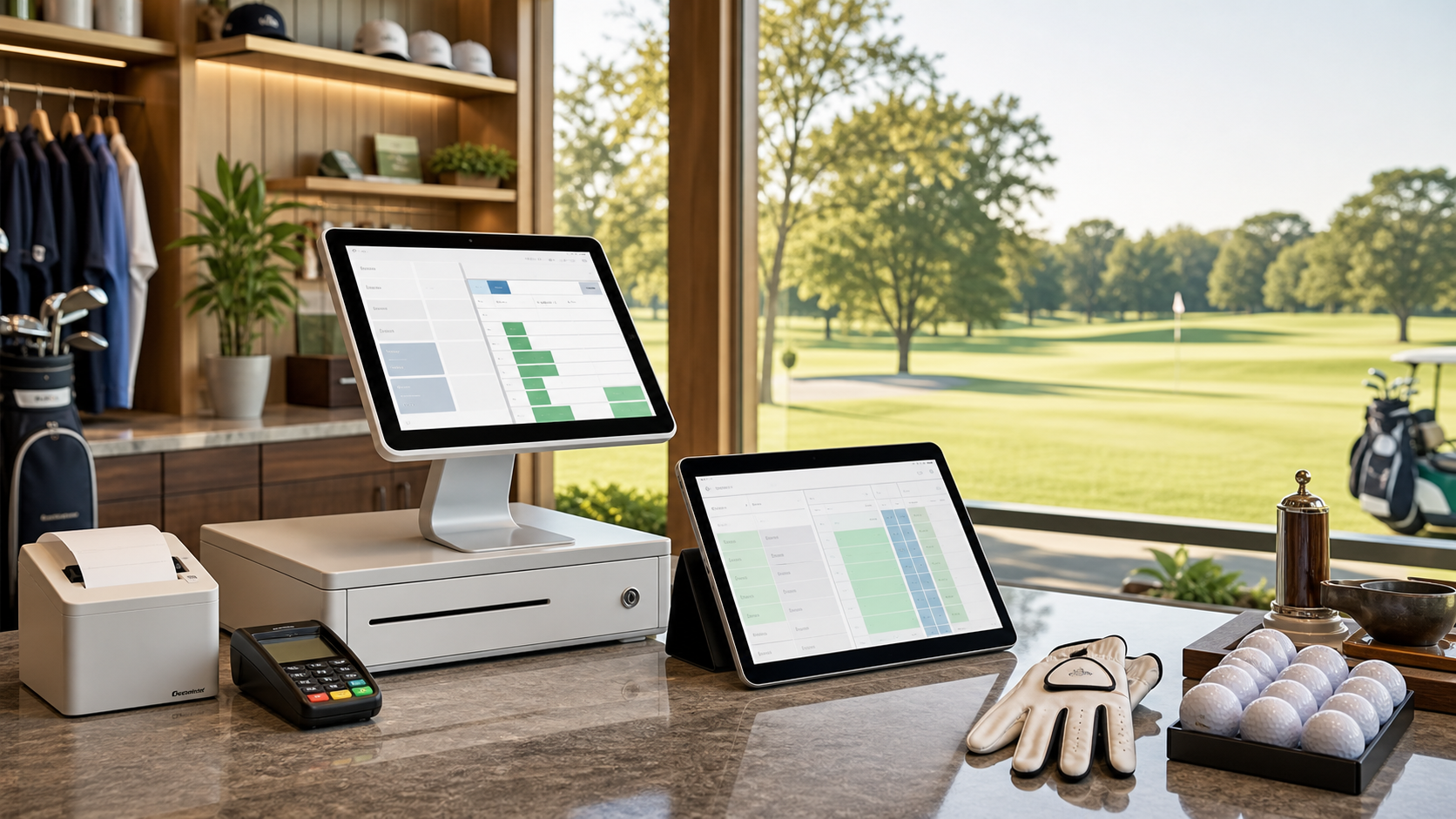
The busiest counter at a golf course is rarely just a checkout counter. It is where tee times become checked-in rounds, carts get assigned, rain checks are explained, league balances are handled, gloves and balls are sold, and staff try to answer three questions at once.
That is why a golf course POS system cannot be evaluated like a generic retail register. For golf operators, the real value comes from how well the POS connects to the tee sheet, online booking, payments, inventory, member profiles, simulator bookings, and reporting.
If those pieces are disconnected, staff end up doing the same work twice. If they are connected in the right order, you reduce errors, speed up check-in, protect revenue, and make daily close easier.
Why golf course POS integration matters
A standalone POS can take payments and print receipts. That is useful, but it does not solve the operational problem most courses feel every day: the customer journey crosses multiple revenue centers.
A single golfer may reserve online, pay a deposit, add a cart, buy a glove, use a house credit, check in for a league, and receive a rain check later. A simulator customer might book a bay, add drinks, apply a package credit, and reschedule because of a staffing issue. If every step lives in a different system, your staff become the integration layer.
That creates predictable pain:
- Slower check-in: staff search one system for the booking and another for the payment.
- Missed revenue: cart fees, rentals, range buckets, and add-ons get skipped when the counter is busy.
- Refund confusion: deposits, credits, and rain checks are hard to trace later.
- Weak reporting: tee sheet revenue, merchandise, simulator bookings, and member charges do not reconcile cleanly.
- Inventory drift: pro shop stock moves faster than staff can manually update counts.
The goal is not to connect everything on day one. The goal is to connect the workflows where disconnected data costs the most time or money.
Start with the tee sheet and check-in workflow
For most daily-fee, municipal, semi-private, and resort courses, the highest-value POS connection is the tee sheet. Your POS should know who is arriving, what they booked, what has been prepaid, and what still needs to be collected.
At minimum, staff should be able to see the booking status and payment status from the check-in flow. That prevents a common counter problem: a player says they already paid online, staff cannot confirm quickly, and the line starts backing up.
Look for a workflow that answers these questions without switching screens:
- Who is checked in? The starter, counter, and tee sheet should agree.
- What is still owed? Green fee balance, cart fee, rentals, and add-ons should be visible.
- What changed? If a foursome becomes a twosome, the POS and tee sheet should reflect the same player count.
- What exception applies? Member rate, resident rate, comp, rain check, voucher, or league rate should be clear.
A practical benchmark: if staff need more than 30 seconds to answer whether a booking is paid, partially paid, or unpaid, the workflow is adding unnecessary friction.
Connect payments before adding more complexity
Payments should be the next priority because payment ambiguity creates both revenue leakage and customer frustration. A modern golf course POS system should support card-present transactions, online payments, deposits, prepayment, refunds, credits, and no-show charge workflows with a clear audit trail.
This matters because payment exceptions are not rare in golf. Weather delays, late cancellations, group-size changes, league substitutions, and simulator reschedules all create payment decisions. If the POS cannot show the original transaction and the booking context together, staff have to make judgment calls with incomplete information.
Focus on these payment connections first:
- Online booking to POS: prepaid amounts and deposits should appear at check-in.
- POS to customer profile: refunds, credits, and rain checks should be tied to the customer or booking.
- POS to reporting: daily close should separate green fees, cart fees, merchandise, simulator revenue, refunds, and taxes.
- POS to policy enforcement: cancellation windows, no-show fees, and prepaid terms should be easy to document.
Even one disputed payment can cost more than the transaction itself. Between staff time, processor fees, and lost goodwill, clean payment records are worth treating as an operational control, not an accounting afterthought.
Bring pro shop inventory into the same operating rhythm
Once tee times and payments are connected, inventory is the next practical layer. Golf shop inventory does not need to be complicated, but it does need discipline. Balls, gloves, tees, hats, apparel, rentals, and accessories all move through the same staff who are also checking in players.
A connected POS helps with three things:
- Speed: common items and bundles should be easy to ring up during rush periods.
- Accuracy: stock counts should update as sales happen, not at the end of the week.
- Margins: operators should be able to review category sales, margin, and turns without rebuilding spreadsheets.
You do not need thousands of perfectly categorized SKUs to start. Begin with the 20% of items that drive most transactions: premium balls, gloves by hand and size, rental sets, range products, and your most common apparel categories. Then expand once the daily workflow is stable.
Do not forget simulators, leagues, and member accounts
Simulator facilities and hybrid course-plus-simulator operations need the same integration discipline. A bay booking is still perishable inventory, and simulator no-shows can be just as costly as missed tee times during peak evening demand.
For simulators, connect the POS to:
- Bay reservations: time booked, time extended, and time remaining.
- Packages and credits: prepaid hours, lesson packs, and gift cards.
- Food and beverage: add-ons purchased during the session.
- Reschedules: credits and policy exceptions tied to the booking.
For leagues and member-heavy facilities, the POS should also support house accounts, member pricing, customer notes, and purchase history. The more repeat business you have, the more valuable a single customer record becomes.
Use reports that match how you actually operate
Reporting is where many POS projects disappoint operators. The system may have plenty of dashboards, but the reports do not match the questions owners, GMs, and head pros ask during the season.
Before choosing or configuring a POS, define the reports you need weekly:
- Daily close: cash, card, online payments, refunds, credits, taxes, and tender types.
- Revenue by source: green fees, carts, merchandise, F&B, simulator bays, leagues, lessons, and events.
- Attach rate: carts, range buckets, rentals, and merchandise sold alongside booked rounds.
- No-show and cancellation impact: lost inventory, retained deposits, refunds, and credits issued.
- Inventory movement: top sellers, slow movers, low stock, and margin by category.
If a report requires exporting three files and manually combining them, it is not really a management report. It is another staff task.
A simple order of operations for implementation
Trying to implement every POS feature at once is how teams lose confidence. A cleaner path is to phase the rollout around operational value.
| Phase | Connect first | Why it matters |
|---|---|---|
| 1 | Tee sheet, check-in, and payment status | Speeds the counter and reduces duplicate work |
| 2 | Deposits, refunds, credits, and no-show workflows | Protects revenue and improves dispute documentation |
| 3 | Core pro shop inventory | Improves stock accuracy and category reporting |
| 4 | Members, leagues, simulators, and packages | Supports repeat revenue and more complex operations |
For a faster internal review, use our Golf Course POS Integration Audit Scorecard. It is a worksheet you can use with your pro shop manager, GM, or ownership group to score your current tee sheet, POS, payment, inventory, and reporting workflows before you talk to vendors.
What to ask before choosing a golf course POS system
When you evaluate POS options, ask workflow questions rather than feature-list questions:
- Can staff check in a booked golfer and collect remaining balance from one workflow?
- Can online deposits, prepaid rounds, refunds, credits, and no-show charges be traced back to the booking?
- Can the system handle walk-ins, phone bookings, online bookings, members, leagues, tournaments, and simulators?
- Can reports separate revenue sources without manual spreadsheet cleanup?
- Can common pro shop items be sold quickly during a morning rush?
- Can customer history support retention, marketing, and better service?
BookATee is built around the idea that golf operations should not be stitched together at the counter. Online booking, tee sheet management, payments, member workflows, simulator booking, and operational reporting work best when they share context.
If your current POS setup is creating extra clicks, unclear payment records, or messy reporting, start by mapping the workflows above. The right system should make the busy parts of your day simpler — not just give you another screen to manage.